Rated #1. Trusted by 9,000+ auto shops.
Modern Inventory Management.
See Shopmonkey in action
Always know what's in stock, pull parts into any job in seconds, and track everything on order for active work — all in one place.
Never get caught without a part when a job needs it.
Find inventory parts instantly with in-line search right from the repair order.
Activity logs track every inventory change — who touched it, what moved, and when.
sound familiar?
Parts and inventory feels manageable until a job gets held up because something is missing, out of stock, or nobody is sure what was changed.
You are not always sure what is actually on the shelf?
With parts moving in and out constantly, it is hard to keep an accurate count without a system doing it for you.

A live look at your inventory
Shopmonkey tracks parts and tires as they come in and go out. You can see what is running low before it stops a job.
You have to walk to the shelf just to check if you have a part before adding it to a job?
Before putting a part on a service, someone has to physically check the shelf or guess. If it is not there, the job gets held up.
In-line inventory search right inside the service
Start typing a part name in any service line and Shopmonkey shows matching inventory items as you type. Add them to the job in a couple of clicks without leaving the repair order.
It is easy to lose track of your parts margin?
If you are entering parts manually and applying markup by memory, your margin is probably inconsistent from job to job.
Pricing matrices that apply automatically
Set your markup rules by cost range once in settings. Shopmonkey calculates the retail price for every part added to a job — consistent margin on every repair order, no mental math required.
Getting parts to match up with your accounting is a manual process?
Getting your parts costs to line up with QuickBooks usually means someone is exporting, importing, or entering numbers by hand.
QuickBooks sync that keeps your counts current
Connect Shopmonkey to QuickBooks Online and run a one-time import to bring your inventory over. When invoices sync from Shopmonkey to QuickBooks, inventory counts update automatically on both sides.
You have to open every ticket just to check the status of a part?
When you are tracking parts for multiple active jobs, jumping in and out of each repair order to see what is ordered, what has arrived, and what is still needed adds up fast.
Dedicated Parts and Tires Workflow screen
See every part tied to an active job in one place. Update status, add notes, and make changes on the fly — without opening a single ticket.
REAL RESULTS FROM REAL SHOPS
The numbers speak for themselves.
40%
Average revenue increase reported by customers
2x
Increase in service volume without adding staff
50%
Less time spent on phone & paperwork
The complete shop operating system
Smart. Simple. Built for shop life.



Run the shop faster.
One workflow for every repair, tech, and bay — estimates approved in minutes, payments in a single click.


Earn more per RO.
Photo and video DVIs lift approval rates, online scheduling fills empty bays, and real-time reporting shows where the money is.


Keep customers coming back.
Auto-request reviews after every job and send SMS campaigns to bring customers back.
More revenue, less chaos. See it in a live demo.
Frequently asked questions
Don't see your question? Our team is happy to walk through anything specific to your shop on a live demo.
Does Shopmonkey connect to PartsTech, Nexpart, and RepairLink?
Can I track inventory across more than one shop location?
How does Shopmonkey handle parts markup?
Does Shopmonkey track inventory activity?
Can I set low stock alerts for parts I order frequently?
What does Shopmonkey cost?
How long does it take to get up and running?
What integrations does Shopmonkey support?
Do I have to sign a long-term contract?
Powerful features for shop owners
Everything your shop needs. Nothing it doesn't.
2-way SMS and email messaging, included in every plan.
Build and send professional estimates and get digital approvals in minutes.
Customers can book online anytime. You control the calendar.
Every job, every tech, and every customer, managed in real time.
Photos, videos, and notes that drive ARO and get approvals fast.
Manage inventory and track orders from PartsTech, Nexpart, and RepairLink, all built in.
Profit, throughput, tech performance and more, all at a glance.
Online or in-person payments, with BNPL and instant payouts available.
HEAR FROM SHOP OWNERS
Real shops. Real stories. Real impact.
“We’ve been able to double the amount of work we can do with the same amount of people.”
Casey George, President, Bus & Truck of Chicago
“Our Google rating went from 4.0 to 4.8.”
Will Helton, Owner, University Auto & Tire
“We’ve seen a 2x increase in online visitors using the work request form.”
Chad Hrencecin, Co-owner, Electrified Garage
“Shopmonkey is very forward-thinking. Our franchisees from our 100+ locations love it.”
Jeff Stark, COO, Tint World Enterprise


“We save 160 hours per month on phone calls alone.”
Philip Lindsley, Owner, Titan Motoring

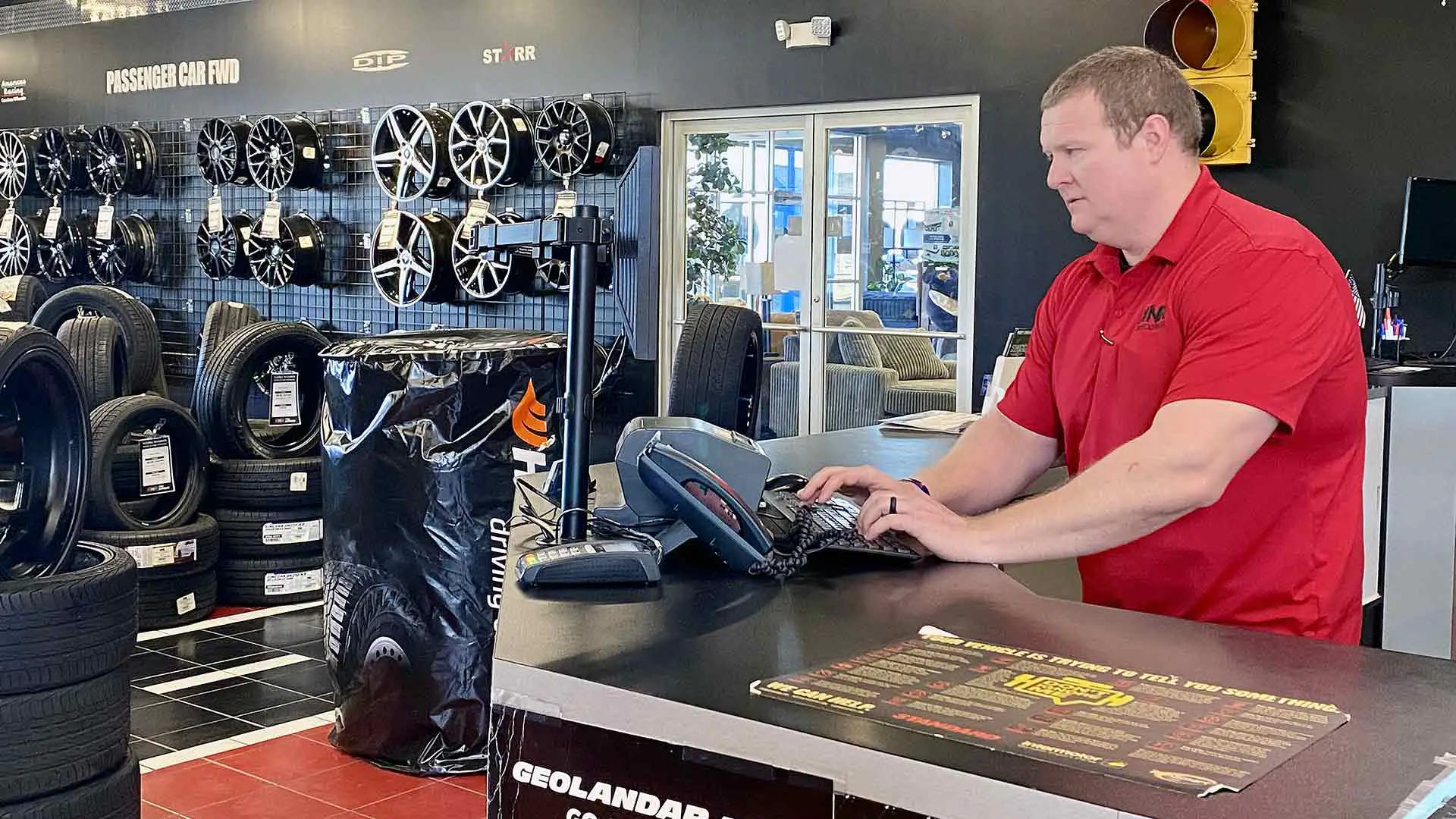
“Shopmonkey is the centerpiece of everything that happens inside our store."
Bre Braddock, Regional Director, RNR Tire Express Midwest
Want results like these? Start with a 20-minute demo.
we’re with you from day one
Support that actually picks up the phone.
<20 sec
<3 min
94%

Bilingual support: English, Spanish, and French (Canada)
Advanced data migration services
Ongoing training and resources
Live, in-house phone, chat, and email support


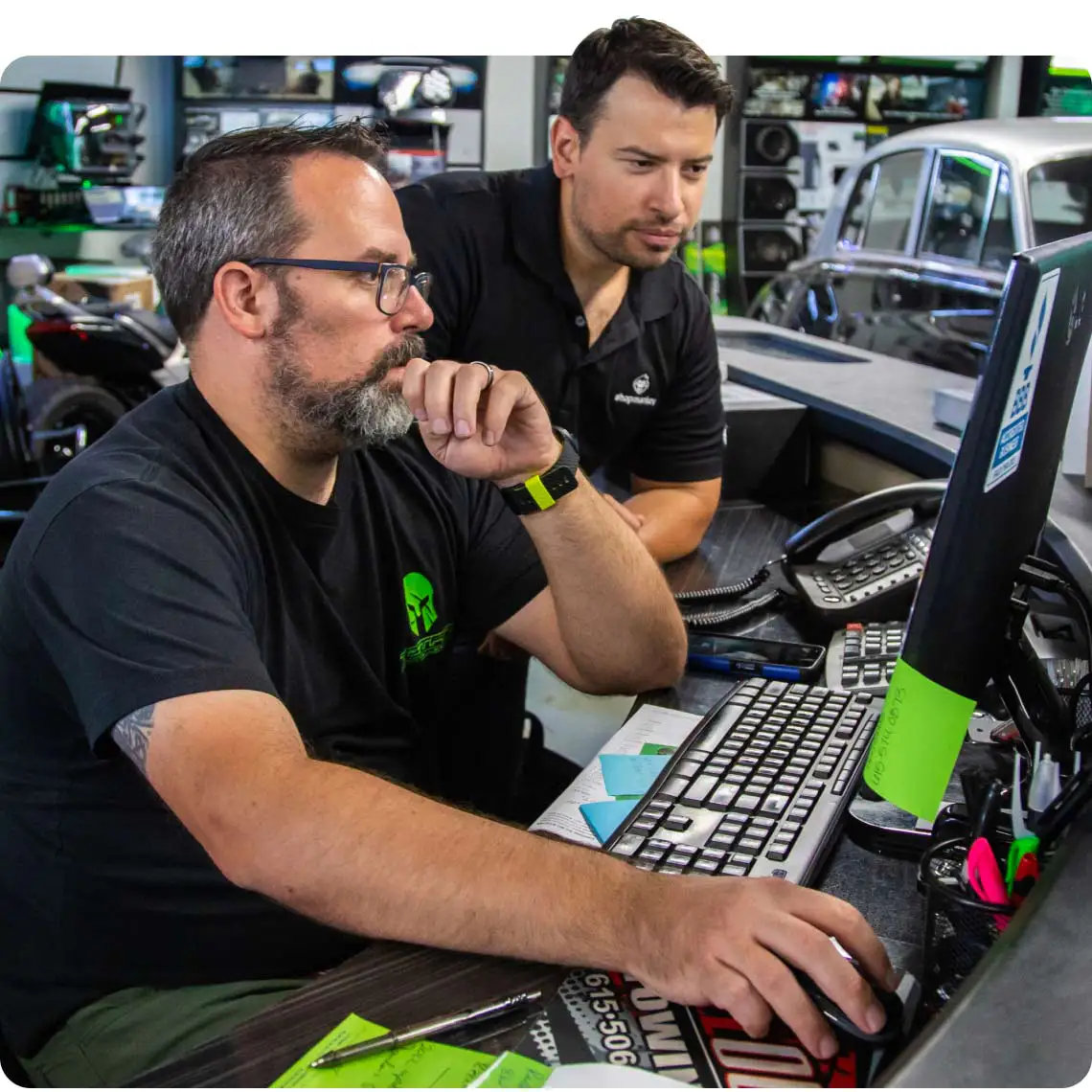
Award-winning software. Real-world results.
Consistently ranked a leader by the platforms shop owners trust most.
“We’ve used a lot of shop management systems in the past. We really fell in love with what Shopmonkey has to offer. It’s a one-stop shop for us." — Will Helton, Owner, University Auto & Tire


















join the 8,000 shops already using shopmonkey
Shopmonkey is everything you need, no plugins or integrations required.