Most HD shop owners didn't get into heavy duty repair to become bookkeepers. But between EPA fees, multiple labor rates on a single repair order, fleet billing terms, and parts from three different vendors, the books for an HD shop are more complicated than a standard bay ever sees. Here's what's actually involved in keeping them straight, and what's changing about how shops handle it.
HD books have more moving parts than most
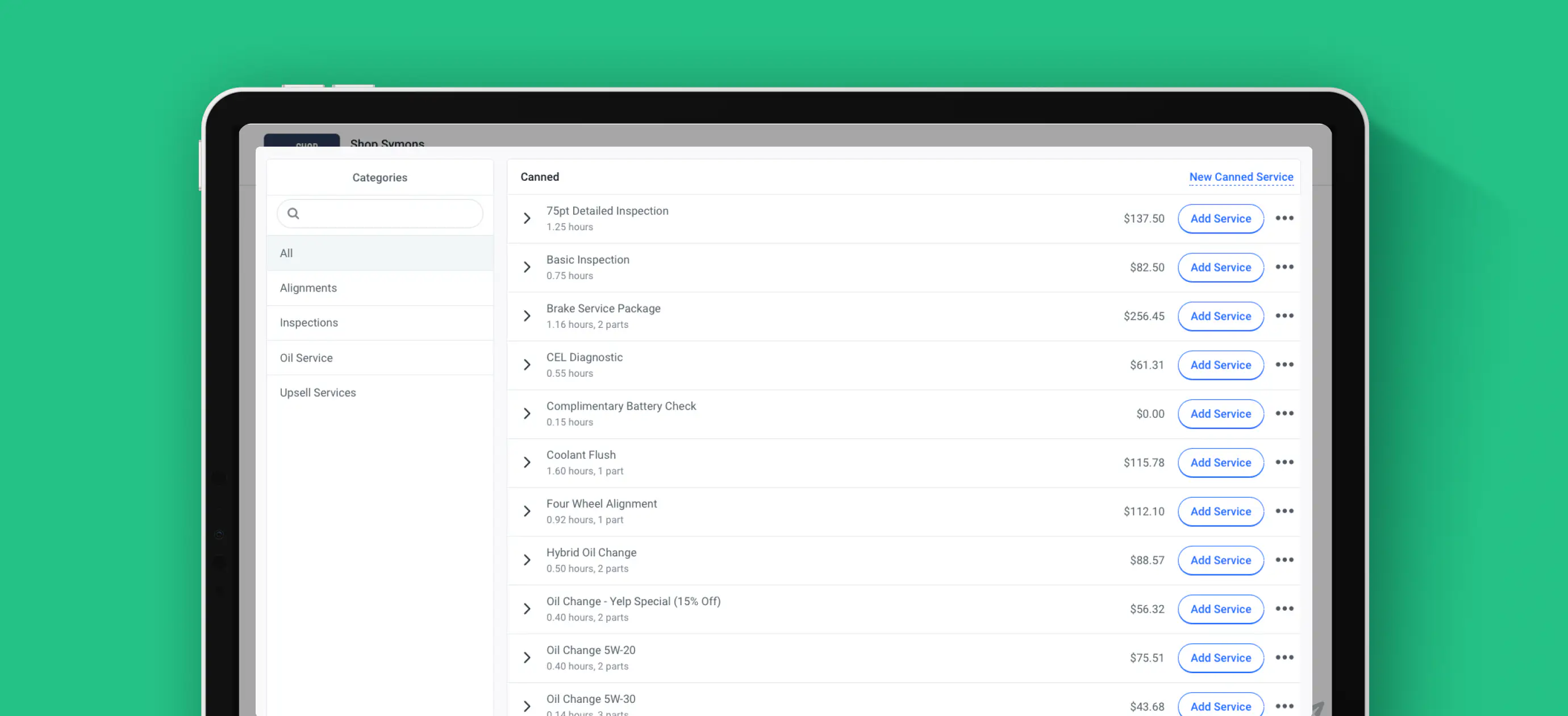
A single repair order might carry a shop rate, a specialty diagnostic rate, and a mobile service rate, all in one invoice. Add EPA fees for used motor oil disposal, fleet-level payment terms like Net 30, and parts sourced from a dealership rather than a standard supplier, and it's easy to see why HD accounting doesn't fit neatly into off-the-shelf software built for a general repair shop.
Two ways shops are handling it
Shops generally land in one of two places:
Do it yourself, with better tools. Bank transactions sync automatically, AI-assisted categorization handles the sorting, and the reports that matter (Profit & Loss, Balance Sheet, Cash Flow, General Ledger) are ready to review, not built from scratch. The shop owner still owns the process, but the busywork is cut down.
Hand it off entirely. A dedicated bookkeeper handles categorization, monthly close, and bank reconciliation, and delivers finished reports within days of month-end, plus a tax-ready packet for the shop's CPA at year-end. The owner reviews the numbers instead of producing them.
Why native integration matters more in HD
When invoices and payouts flow automatically into the books instead of getting re-entered by hand, the room for error drops. That matters more in HD than in a typical shop, because a missed EPA fee, a mis-tracked labor rate, or a fleet invoice that doesn't match the agreed terms shows up fast when a fleet manager is reconciling their own monthly statement against yours.
A chart of accounts built for automotive work, rather than adapted from a generic template, also means the categories on a P&L actually reflect how an HD shop makes money: labor by rate type, parts by vendor, fees by category.
What this replaces
For shops that have been exporting from a shop management system into QuickBooks or Xero by hand (or paying someone else to), the shift is from reconciling two systems to running one. That's less about the accounting software itself and more about removing a step that used to eat a Saturday.
The real payoff
None of this changes what makes an HD shop money: trucks fixed right, fast. But an owner who can see net profit, cash flow, and cost-per-unit clearly, without a separate login or a manual export, spends less time reconstructing last month and more time running next month.
Have questions about how Shopmonkey handles multi-rate invoices, EPA fees, or fleet billing terms in your books? Reach out to your account team, or explore to see how it fits your shop.