If you own an auto repair shop, you know that labor hours are the most volatile variable in your business. A "Labor Guide for Mechanics" isn't just a list of numbers; it’s the legal tender of the automotive world.
Whether you call it "book time," "flat rate," or an "estimate," getting it right is the difference between a profitable week and a shop that’s bleeding money.
What Exactly is a Mechanic Labor Guide?
A mechanic labor guide provides standardized time estimates for thousands of repairs across every make and model. Historically, these were massive physical books (like the old Motors Manuals), but today, they are dynamic software databases.
How "Book Time" Works
Labor guides for auto repair provide rates typically based on OEM data. These figures represent the time a trained technician, using the right tools, should take to complete a task in a controlled environment.
To use a modern guide, you simply:
Identify the Vehicle: Enter the Year, Make, Model, or VIN.
Select the Service: Search for "Alternator Replacement" or "Timing Belt."
Apply the Rate: The software displays the "book hours" (e.g., 2.4 hours).
Why Every Modern Mechanic Needs Digital Labor Data
Relying on "gut feelings" or old experience for estimates is a recipe for disaster. Here is why standardized labor guide software is essential:
Eliminate "Estimate Anxiety": Never worry about overcharging (and losing a customer) or undercharging (and losing your shirt).
Boost Technician Efficiency: When a tech knows they have "3 hours" to finish a job, it sets a clear performance benchmark.
Professionalism: Providing a printed estimate backed by industry-standard data (like MOTOR or Mitchell 1) builds instant trust with the vehicle owner.
How Shopmonkey Integrates the Labor Guide
Having a labor guide is one thing; using it efficiently is another. This is where a shop management system like Shopmonkey turns data into dollars.
Seamless MOTOR Integration
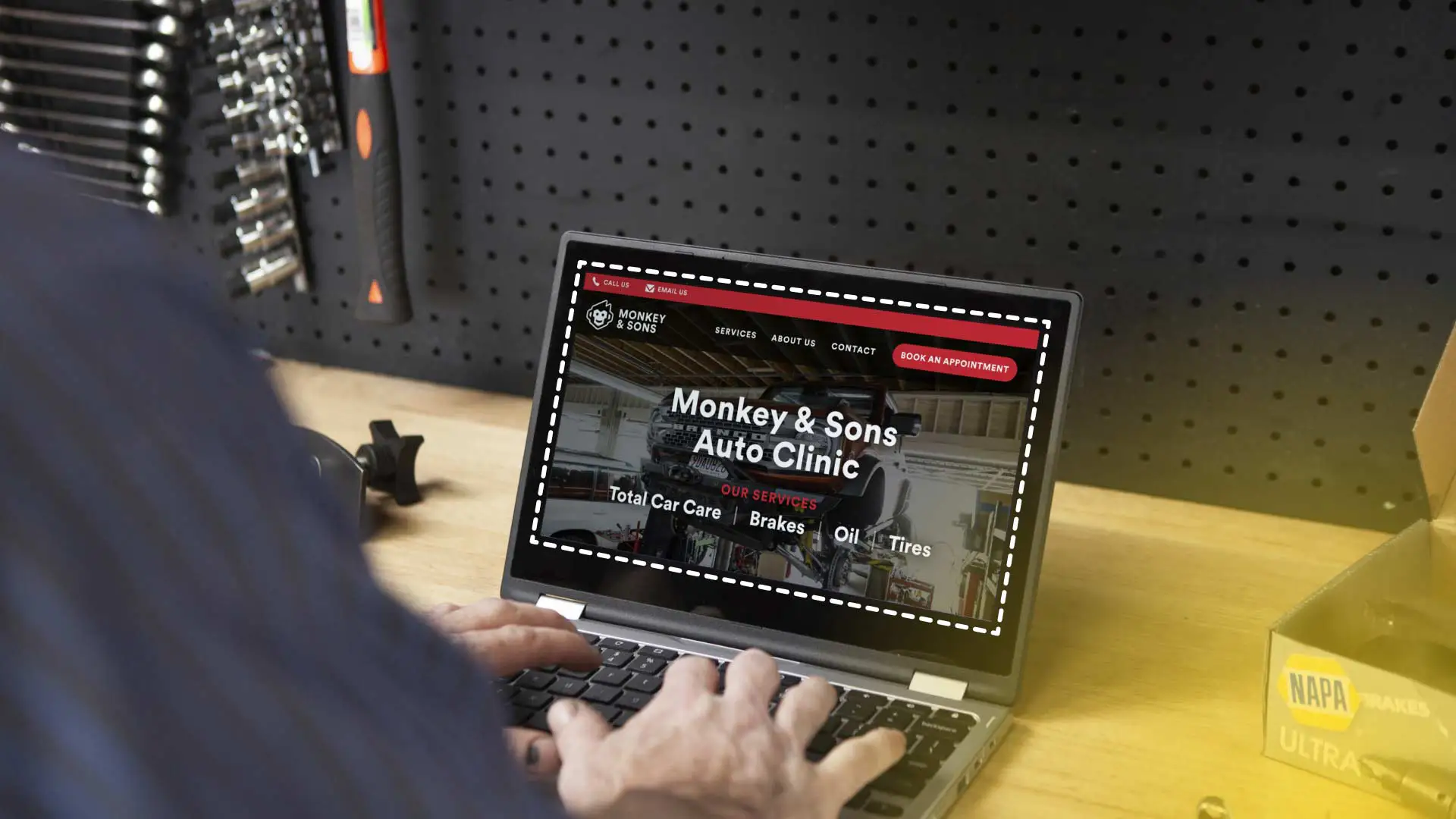
Shopmonkey doesn't make you leave the app to look up times. It features a native MOTOR integration. As you build an estimate for a customer, you can pull the labor hours directly from the MOTOR database into your quote with one click.
Beyond Just Labor Hours
Shopmonkey takes the raw data from a labor guide and layers in the features you need to run a business:
Inventory Management: Match the labor hours with the specific parts in your stock.
Automated Messaging: Send the labor-guide-backed estimate to the customer via text for instant approval.
Real-time Reporting: Track how your "Actual Hours" worked by your mechanics compare to the "Billable Hours" from the guide.
Choosing the Right Guide for Your Shop
When vetting a labor guide for your mechanics, keep this checklist in mind:
Update Frequency: Ensure the data is updated regularly for new vehicle models (2025/2026).
Mobile Accessibility: Your mechanics should be able to check labor times on a tablet right at the bay.
Integration: Choose a guide that works with your shop management software, not alongside it.
The Bottom Line
A Mechanic Labor Guide is more than a pricing tool it’s a transparency tool. By using integrated software like Shopmonkey, you ensure that every estimate is fair, every technician is accountable, and every job is profitable.